How scoring happens
Last updated: June 25, 2026
What the grades on a result screen mean, and why the same product can be a different grade for each of your children.
OverviewThe four gradesStep 1 — the ingredient scoreStep 2 — personalized for each childWhy kids get different grades
Overview
Every product gets a grade for each child. Here’s exactly how that grade is decided.
The four grades
These are the same labels you see on every result and in your scan history.
Step 1 — the ingredient score
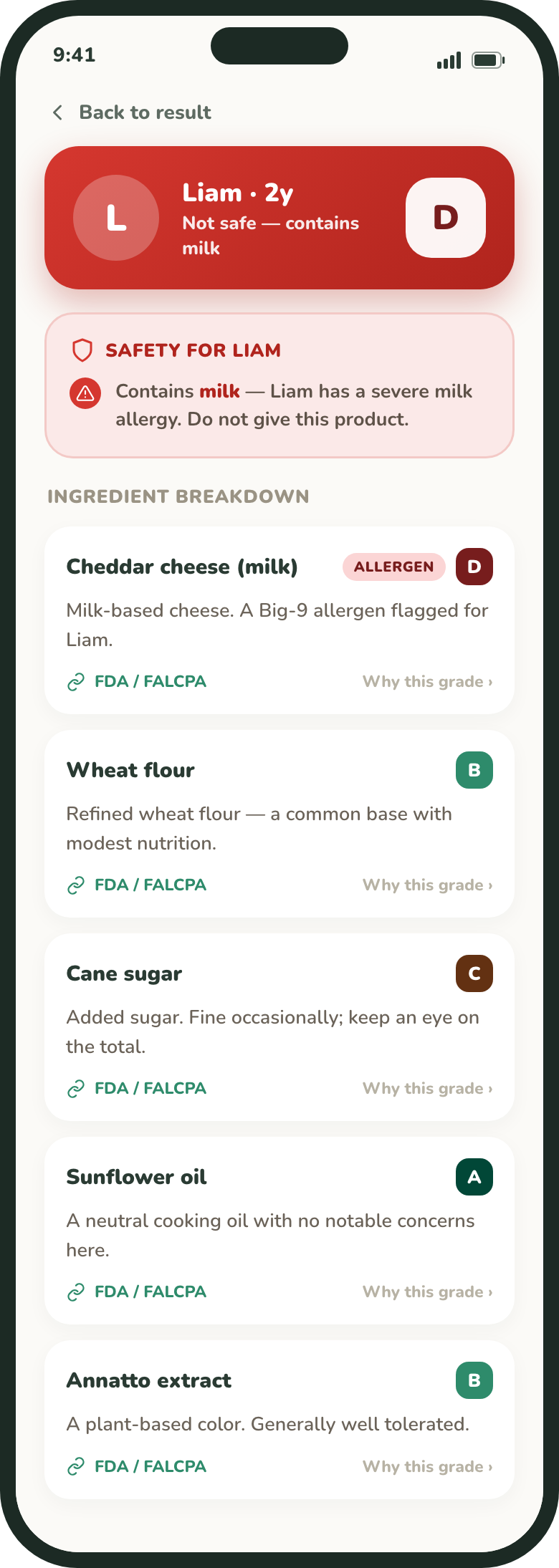
Each ingredient is rated for concern from 1 (safest) to 10. GreenCheck combines them into a single 1–10 product score — more ingredients, and more high-concern ones, push the score up — and that score becomes the product’s baseline grade, before it’s personalized for each child.
For the exact weighting, the score thresholds behind each band, and how allergens are matched, see How GreenCheck grades food — the full method.
Step 2 — personalized for each child
Next, GreenCheck checks the product against each child’s profile and adjusts the grade.
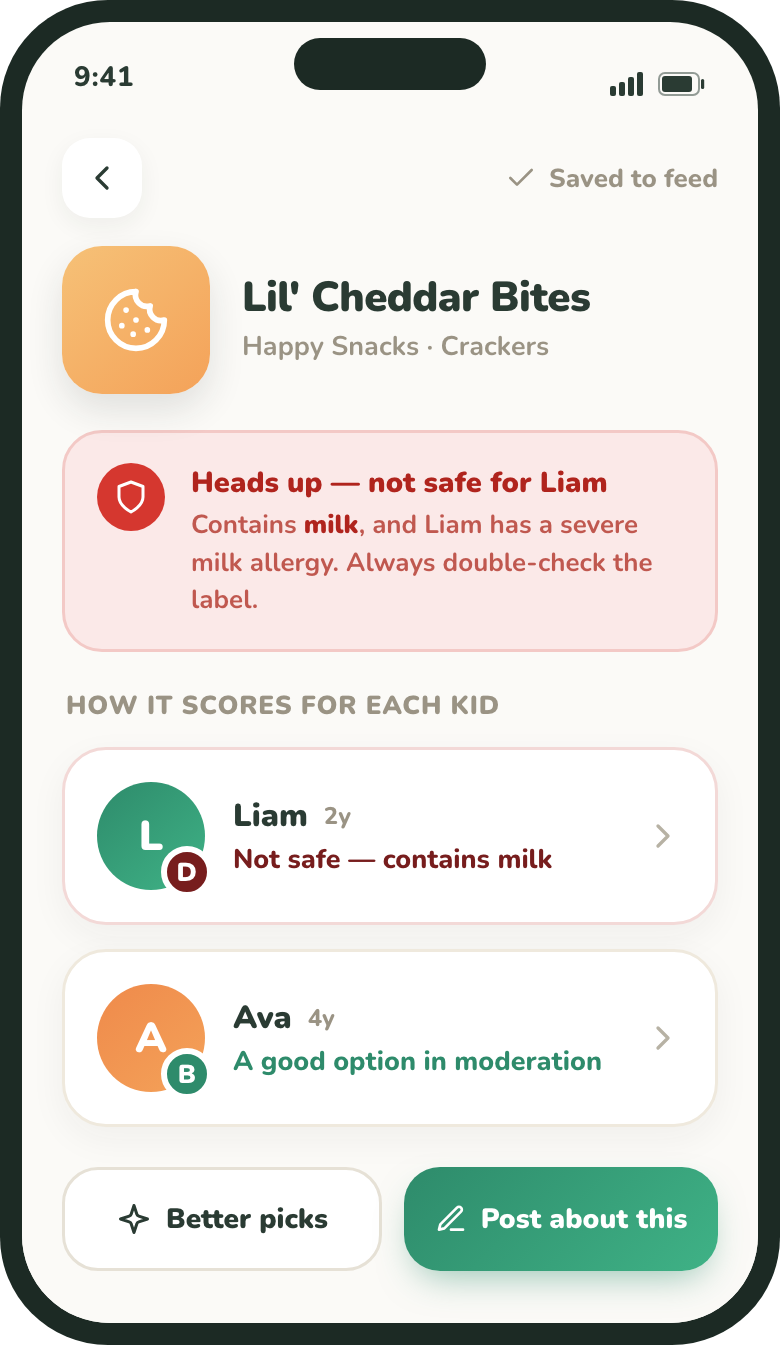
- Allergens always win. If the product contains — or “may contain” — one of your child’s allergens, the grade is AVOID, no matter how clean the rest of the list is.
- Conditions hard-block too. A matching condition (for example, gluten for celiac) also forces AVOID.
- Preferences nudge. A preference mismatch (for example, not vegan) lowers the grade by one band and is labeled as a fit issue, not a safety alert.
Why kids get different grades
Because every grade is personal, the same product can be BEST for one child and AVOID for another. The red banner at the top of a result calls out any child it isn’t safe for.